

Have you ever wondered about the carbon footprint of emails?
Calculating the actual value is impossible, as numerous factors are involved, including the energy used to write, send, receive, and store each email on one or more servers, as well as the embodied carbon of all the devices involved in the process.
However, several estimates have been attempted over the years. For example, Mike Berners-Lee counts the footprint to be between 0.03g and 26g of CO2 per single email (read more in this article from the Carbon Literacy Project).
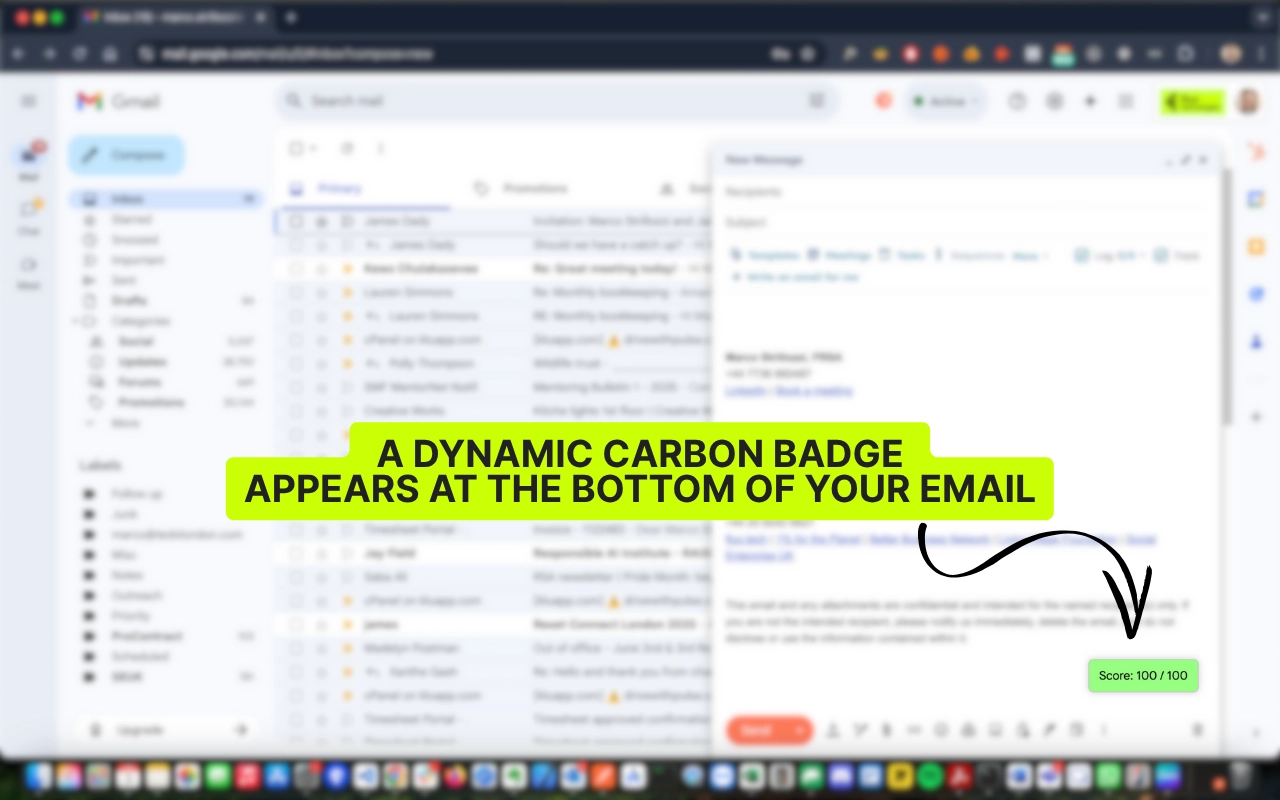
In this tutorial, we’ll show you how to build a Google Chrome extension for Gmail that will generate a live score as users type their emails. The score will be 0-100 and will help users understand if the email they are going to send is “bad”, based on a few simple factors:
You can see the finished product on the Chrome Web Store.
Create a folder for the Chrome extension, e.g. gmail-carbon-score, with these files (or clone our GitHub Repository):
Edit manifest.json (Chrome Extension Manifest V3):
{
  "manifest_version": 3,
  "name": "Gmail Carbon Score",
  "version": "1.0",
  "description": "Estimate the carbon footprint of your emails while composing in Gmail.",
  "permissions": [],
  "host_permissions": ["https://mail.google.com/*"],
  "content_scripts": [{
    "matches": ["https://mail.google.com/*"],
    "js": ["content.js"],
    "run_at": "document_idle"
  }],
  "icons": {
    "128": "icon.png"
  }
}content.js contains all of the extension’s logic:
You can get the full version from our GitHub Repository; it’s too long to paste here in full, but it includes:
Once you have everything set up:
In order to publish your Chrome Extension you need a developer account.
Create a Zip file containing your extension files. On Mac OS, open Terminal and run:
cd gmail-carbon-score/
zip -r -X ../carbon-score.zip . -x "*.DS_Store"
⚠️ This avoids macOS hidden files like __MACOSX that break validation.
Confirm that manifest.json is at the root of the zip.
Google require that you give a justifications for the permissions that your extension needs.
host_permissions: Access Gmail’s compose window to detect email body size, recipients, and attachments. No personal data is collected or transmitted.
Once your extension is reviewed (usually within 1–3 days), it will be live in the Chrome Web Store. Promote it on:
Every byte of email impacts global energy consumption. This extension provides users with immediate feedback and motivation to send lighter, more efficient messages, triggering a ripple effect that promotes sustainable digital habits.